Best Security Cameras Australia 2025: Indoor vs Outdoor vs Wireless
Quick summary: For most Australian homes, a mix of one or two outdoor cameras covering entry points and an indoor camera for common areas is the sweet spot. Budget around $150-$300 for a solid wireless starter kit, or $500-$1,200 for a premium AI-enabled system. Wireless cameras like the Google Nest Cam battery suit renters and quick installs, while wired PoE systems like Reolink RLK8-800B4 offer better reliability for larger properties. Most brands charge $5-$15/month for cloud storage, though some offer free local storage options.
Home security cameras have gone from a luxury to something close to a standard fixture in Australian homes. Parcel theft, car break-ins and the general appeal of keeping an eye on things while you're at work have made security cameras one of the most searched home improvement categories in the country.
The good news is prices have dropped significantly. A decent wireless camera that would have cost $400 five years ago now sells for under $150 at Bunnings or JB Hi-Fi.
Why You Need a Security Camera System in 2025
Break-in attempts, porch piracy and even neighbourhood disputes are far easier to resolve with footage. Insurance companies are also increasingly favourable towards homes with visible CCTV systems, with some offering small premium discounts.
Beyond crime prevention, cameras give you practical peace of mind — checking the dog's okay, seeing who's at the door, or keeping tabs on kids arriving home from school.
Key Features to Look For
When comparing security cameras in Australia, focus on:
- Resolution — 1080p is the minimum; 2K or 4K gives you usable facial and numberplate detail
- Field of view — 130-160 degrees covers most entry points without excessive fisheye distortion
- Night vision — infrared (black and white) is standard; colour night vision needs a spotlight
- Local vs cloud storage — determines ongoing costs
- Two-way audio — useful for deliveries and deterring intruders
- Australian app support — check reviews for local server reliability, as some US-based brands have laggy AU app performance

Indoor vs Outdoor Cameras: What's the Difference?
This is one of the most common questions homeowners ask, and the answer matters more than most retailers let on.
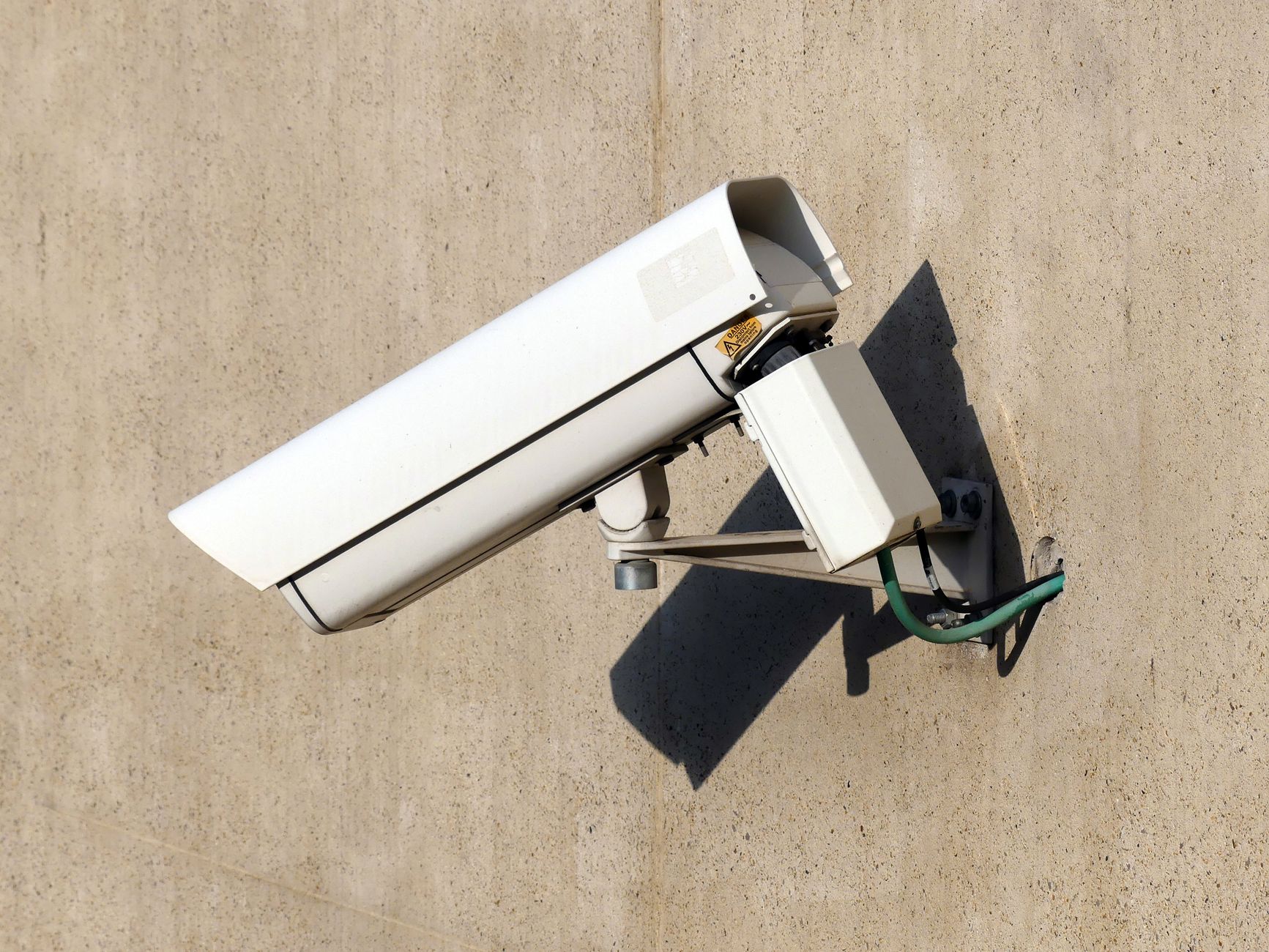
What is the difference between indoor and outdoor security cameras? Outdoor cameras are built with weatherproof housings (rated IP65 or higher), stronger night vision for unlit areas, and often include motion-activated spotlights or sirens. Indoor cameras are smaller, cheaper, and prioritise things like pan-tilt tracking and baby-monitor style features.
You genuinely can't swap them. Putting an indoor camera outside — even under an eave — will shorten its lifespan dramatically once humidity gets into the electronics.
Weatherproofing and Night Vision
Look for an IP65 or IP66 rating for anything mounted outdoors. Brands like Arlo Pro 5S and Reolink Argus 4 Pro handle Australian summers well, including direct sun exposure that can overheat lesser cameras.
For night vision, colour night vision (using a small built-in spotlight) is genuinely useful for identifying clothing and vehicle colour, not just silhouettes. It does drain battery faster on wireless models, though.
Wired vs Wireless Systems Compared
Should I get wired or wireless security cameras for my house? It depends on how much of a project you want this to be.
Wired systems (usually Power over Ethernet, or PoE) need a cable run to each camera but offer rock-solid connections, no battery charging, and typically better continuous recording. Wireless cameras run on batteries or solar panels and connect via Wi-Fi, making them far easier to install but reliant on your home network's strength.
| Feature | Wired (PoE) | Wireless |
|---|---|---|
| Installation | Requires cabling, often professional | DIY-friendly, 15-30 mins per camera |
| Reliability | Very high | Depends on Wi-Fi signal |
| Ongoing cost | Lower (often local storage) | Often subscription-based |
| Best for | Large properties, permanent setups | Apartments, rentals, quick coverage |
| Typical price | $400-$1,200 for 4-camera kit | $150-$600 for 2-4 cameras |
Battery Life and Installation
Most wireless cameras claim 3-6 months of battery life, though in practice, high-traffic areas like front doors drain them closer to 6-8 weeks. Solar panel add-ons (around $40-$70 each) solve this permanently if the camera faces reasonable sun.
Installation for wireless units is genuinely simple — most people mount and pair a camera with the app in under 20 minutes. Wired systems often need an electrician or confident DIYer to run cabling, especially in brick homes.
Best Security Cameras for Small Homes and Apartments
For apartments and townhouses, you generally just need coverage of the front door and maybe a balcony.
The Google Nest Cam battery (around $249) is excellent here — no drilling required, strong app, and Google Home integration if you already have smart speakers. For renters, this is close to the perfect setup since it can move with you.
The Ring Indoor Cam (around $99) is a cheap, reliable add for covering a living room or hallway.
Best Security Cameras for Large Properties
Bigger blocks need wider coverage and more reliable connectivity, which usually means going wired or at least a hybrid setup.
The Reolink RLK8-800B4 kit (around $899) gives you four 4K PoE cameras with a dedicated NVR (network video recorder), meaning no monthly subscription and solid local storage on a hard drive. This is a strong pick for acreage or homes with long driveways, where Wi-Fi range becomes an issue for wireless cameras.

Best Budget-Friendly Options Under $200
How much does a good home security camera system cost in Australia? You can get a genuinely usable single-camera setup from around $80-$150, or a decent 2-camera starter kit for under $200.
The TP-Link Tapo C420 (around $149 for a 2-camera kit) punches well above its price point — 2K resolution, colour night vision, and no subscription required for local SD card storage.
Bunnings also stocks the Swann range, with basic outdoor cameras starting around $89, though app performance is a step behind the newer wireless brands.
Best Premium Systems with Advanced AI Features
If you want smart detection — distinguishing between people, vehicles, animals and packages rather than just "motion detected" — you're looking at premium tier pricing.
The Arlo Pro 5S system (around $649 for a 2-camera kit) offers excellent AI-based alerts, integrating with Arlo Secure subscription for facial recognition and activity zones. Google Nest's higher-end cameras offer similar intelligence if you're already in the Google ecosystem.
Smart App Integration and Alerts
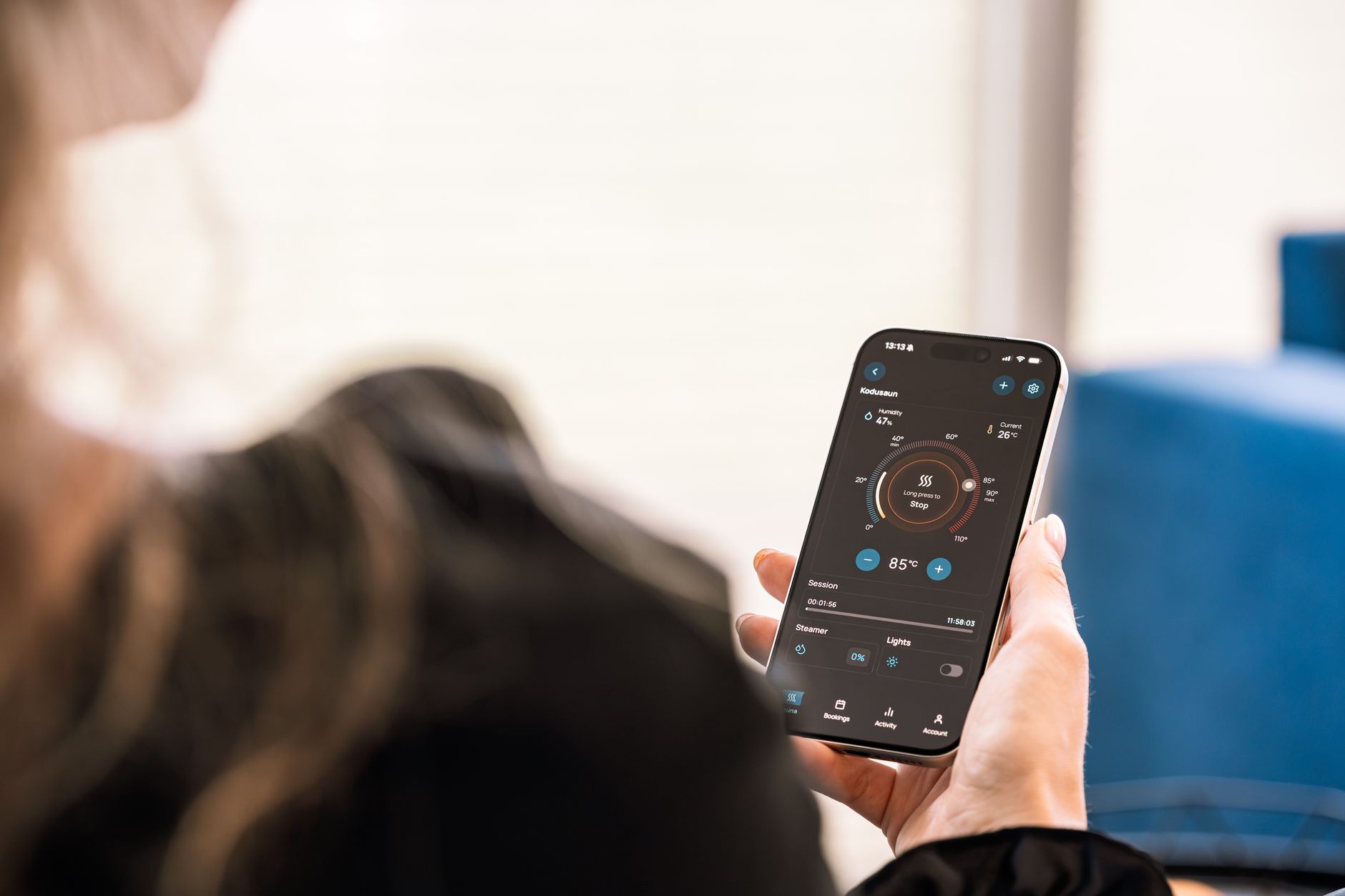
This is where premium systems earn their price tag. Instead of thirty notifications a day for passing cars, good AI filtering only alerts you for genuine events — a person approaching the door, a vehicle in the driveway, or a parcel being collected.
Apps like Reolink's and Arlo's now let you set custom zones, so a camera facing the street won't trigger for footpath traffic but will for anyone stepping onto your property.
Understanding Cloud Storage and Subscription Costs in Australia
Do I need a subscription for security camera cloud storage in Australia? Not always, but it depends on the brand and your storage preference.
Many cameras (Reolink, TP-Link Tapo, Swann) support local storage via microSD card or a dedicated NVR/hard drive, meaning no ongoing cost once you've bought the hardware.
Others (Ring, Nest, Arlo) push you towards cloud subscriptions for full functionality — typically $4-$15/month per camera, or $15-$25/month for whole-home plans covering multiple cameras. Without a subscription, some of these brands only give you live view, not recorded footage playback, which can be a nasty surprise after an actual incident.
If avoiding ongoing costs matters to you, prioritise cameras with local storage options from the outset.
Final Recommendations by Budget and Home Size
What is the best security camera system for a home in Australia? It genuinely depends on your situation:
- Renters/apartments: Google Nest Cam battery or Ring Indoor Cam — no drilling, easy to relocate
- Budget-conscious families: TP-Link Tapo C420 2-camera kit — no subscription, solid 2K image
- Large properties/acreage: Reolink RLK8-800B4 wired kit — reliable, no ongoing costs
- Tech-focused households wanting AI alerts: Arlo Pro 5S with Arlo Secure subscription
Bottom Line
There's no single "best" security camera for every Australian home — it comes down to your property size, budget and appetite for ongoing subscription costs.
For most homeowners, starting with two or three well-placed outdoor cameras covering entry points, plus one indoor unit for common areas, covers 90% of practical security needs. You can always expand later.
Whichever system you choose, prioritise local storage options if you want to avoid subscription creep, and always check Australian app reviews before buying — a camera is only as good as its app on the day you actually need the footage.